
Free Online File, Text, and JSON Tools
Convert, compare, format, compress, and transform files and text securely in your browser
UtilityHub brings together the file and data tools people reach for every day - image and PDF conversion, compression, JSON and CSV utilities, encoders, hashes, and generators - in one fast workspace. Every tool runs without registration, processes your files over an encrypted connection, and deletes them automatically a short time after your download. There is nothing to install: open a tool, drop in your file, and get the result.
Why people use UtilityHub
Your files stay private
Uploads are processed over HTTPS and deleted automatically soon after you download the result. We never sell or reuse your files.
No account required
Use almost every tool instantly, with no sign-up and no email. An optional account only adds history and higher limits.
Free to use
The core tools are free for everyday use, supported by unobtrusive ads instead of paywalls.
Fast and focused
Each tool does one job with a clean interface, live progress, and an instant download when it's finished.
Image
Resize, compress, convert, watermark, and prepare images for websites, social media, or document workflows.




















Merge, split, compress, convert, and inspect PDF documents without installing a desktop editor.









Encode/Decode
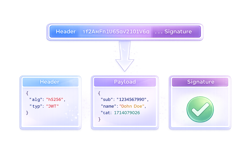
Encode, decode, hash, encrypt, and transform technical data used in APIs and development tasks.












Generators
Create practical outputs such as passwords, UUIDs, QR codes, and other reusable assets.





Data & Text
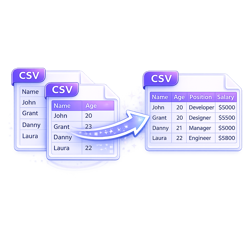
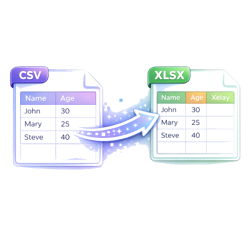
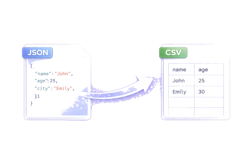
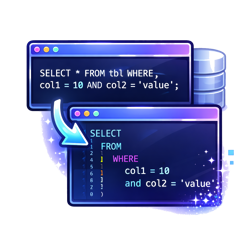
Format, compare, convert, and clean structured text, JSON, CSV, XML, YAML, and developer snippets.






















Archive & Files
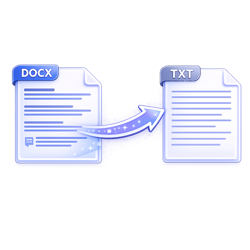
Inspect, package, extract, scan, and understand files before sharing or importing them elsewhere.




Other
Additional online utilities for everyday file, data, and productivity tasks.


Frequently asked questions
Is UtilityHub free to use?
Yes. The core tools are free for everyday use. An optional account adds extras such as processing history and higher usage limits, but you can use most tools without signing up.
Do I need to create an account?
No. Almost every tool works immediately without registration. You only need an account if you want to keep a history of your jobs or raise your usage limits.
What happens to the files I upload?
Files are uploaded over an encrypted HTTPS connection, processed on our servers, and deleted automatically a short time after you download your result. They are never sold or reused.
Do I need to install any software?
No. Every tool runs in your web browser on desktop and mobile. There is nothing to download or install.
What kinds of tools does UtilityHub offer?
UtilityHub covers image editing and conversion, PDF tools, data utilities for JSON, CSV, XML and YAML, encoders and hashes, text tools, and generators such as QR codes and passwords.